No-KYC crypto payment gateway
Accept crypto with just an email address. No ID documents.
ArionPay does not ask for passports, ID cards, selfies or company papers. Payments go straight to your own wallet, so there is no balance of yours for us to hold or check. Here is what you need, what we never ask for, and what we still check.
Sign-up requirements
What you need, and what we never ask for
What you need
- An email address you can open
- A password that is hard to guess
- A crypto wallet of your own, or 12 new secret words you create in your browser
- An authenticator app, to protect the wallet your payments go to
What we never ask for
- A passport or an ID card
- A selfie or a video call
- Proof of address
- Company registration papers
- A bank account
Your customers
Your customers need no account either
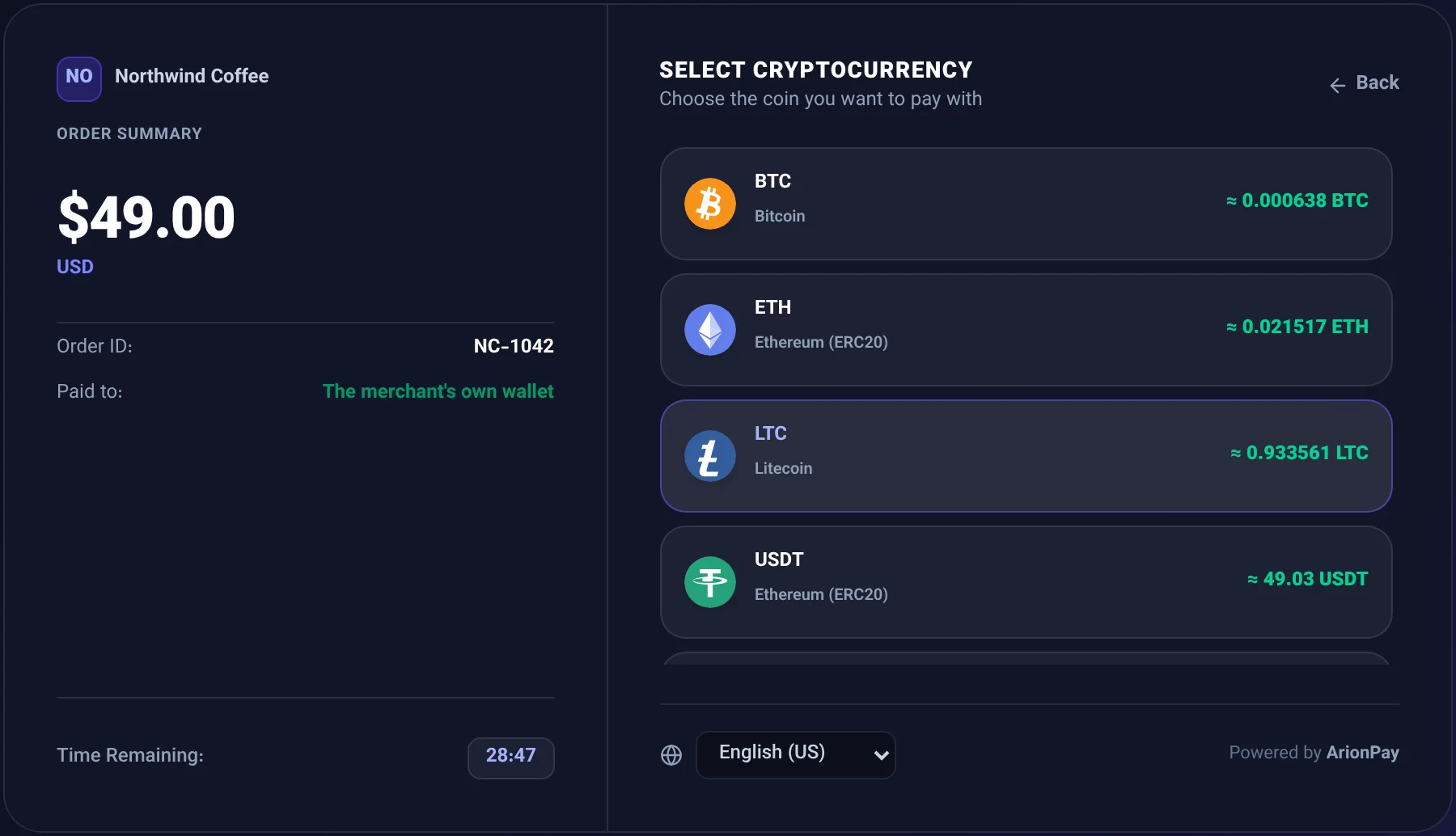
The checkout shows the exact amount, a QR code and buttons that open the customer's wallet app.
Your own wallet
We cannot freeze or hold your money
Gateways that hold your money
Your balance sits with the gateway, and its reviews or rules can delay or freeze it.
ArionPay
ArionPay only watches the blockchain and tells you when you are paid. There is nothing to withdraw.
- Public
- The only key we store, and it cannot spend
- 1:1
- Every payment is matched to exactly one invoice
- 0
- Secret words accepted: we refuse them
- 24 h
- Delay on wallet changes, plus an authenticator code
From sign-up to your first payment
Step 1
Sign up
Enter an email address and a password. Nothing to upload.
Step 2
Confirm your email
Open the link we email you and enter your password. The link works for 24 hours.
Step 3
Connect your wallet
Create a new wallet in your browser or use the one you have, and protect it with your authenticator app.
Step 4
Get paid
Send an invoice or a payment link, or connect your store. Payments go straight to your wallet.
No ID checks is not no checks
What we still check
We keep fraud out without asking for your documents.
A confirmed email
Nobody can log in before opening the confirmation link we send. Temporary and throwaway email addresses are refused.
Strong passwords and a security check
Common and easy-to-guess passwords are refused, and sign-up and log-in pass a security check that stops bots.
Your wallet is protected
Adding or changing the wallet your payments go to needs a code from your authenticator app, and a change waits 24 hours, with an email about it.
A tamper-evident record
Payments and important account actions are kept in a log that shows if it was changed, and we answer lawful requests from authorities with it.
No room for fraud
Accounts used for fraud, money laundering, sanctions evasion or other illegal activity are closed, as our Terms of Service say.
Rules for services that hold money
If we later offer services that hold funds for you, such as managed payouts, those services may require identity checks.
Your own obligations
No ID checks on our side does not mean no rules on yours. Depending on your country and your business, you may need to report crypto income, check who your customers are, or hold a licence. ArionPay does not give legal or tax advice, and it may not be used for anything illegal.
Questions about signing up without KYC
What we ask for, what we never ask for, and why.