Payment Radar
Find crypto payments that arrive with the wrong amount
Customers and exchanges make mistakes. A small difference is accepted automatically, within the percentage you choose. For anything bigger, Radar finds which invoice the payment belongs to, and you decide with one click.
How it works
Step 1
A payment arrives
A payment reaches your wallet, but no invoice has exactly that amount.
Step 2
Radar compares
Radar compares it with the invoices that were open at that time.
Step 3
Paid automatically
Within your tolerance, and only one invoice it can be for: the invoice is paid automatically.
- 4
Step 4
Or you decide
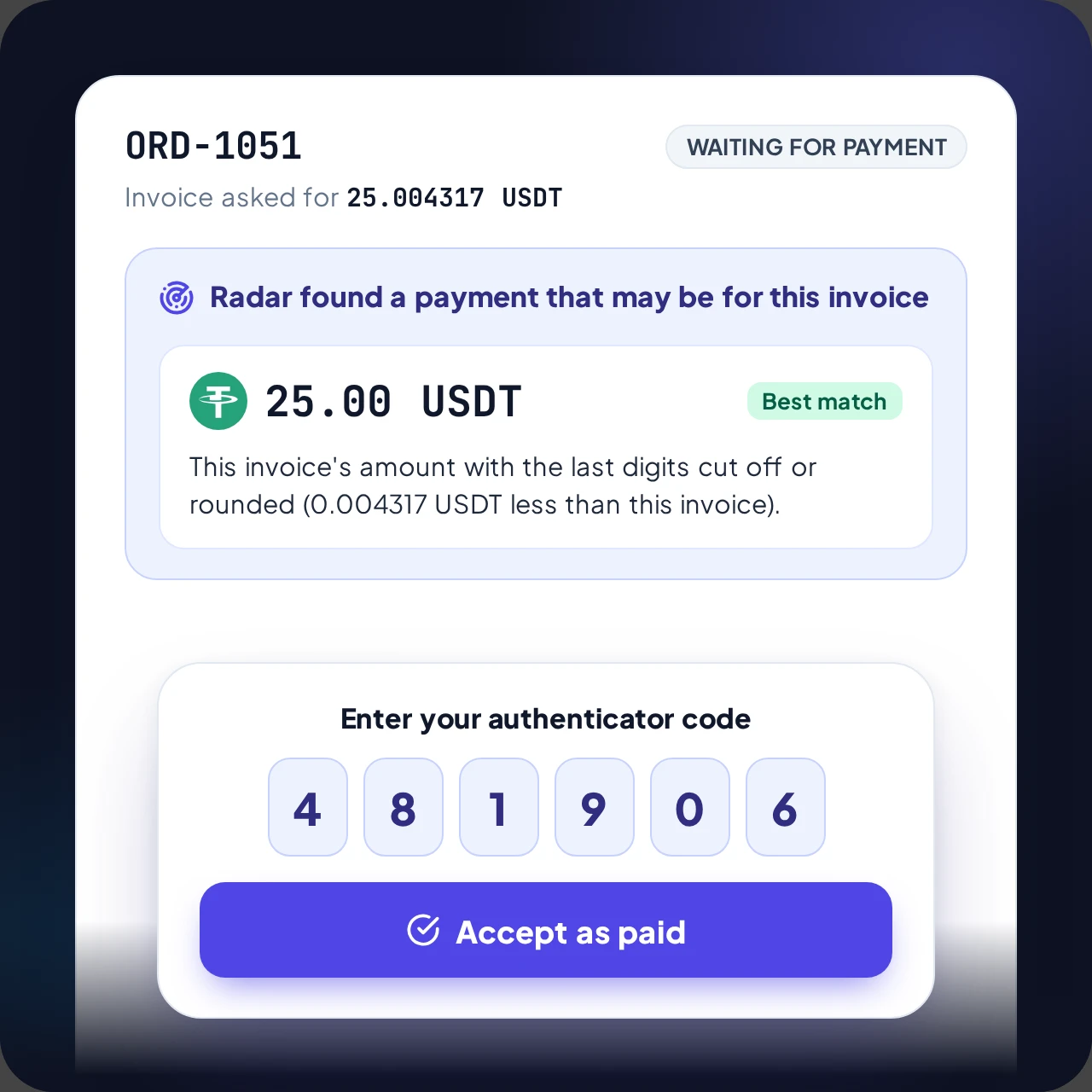
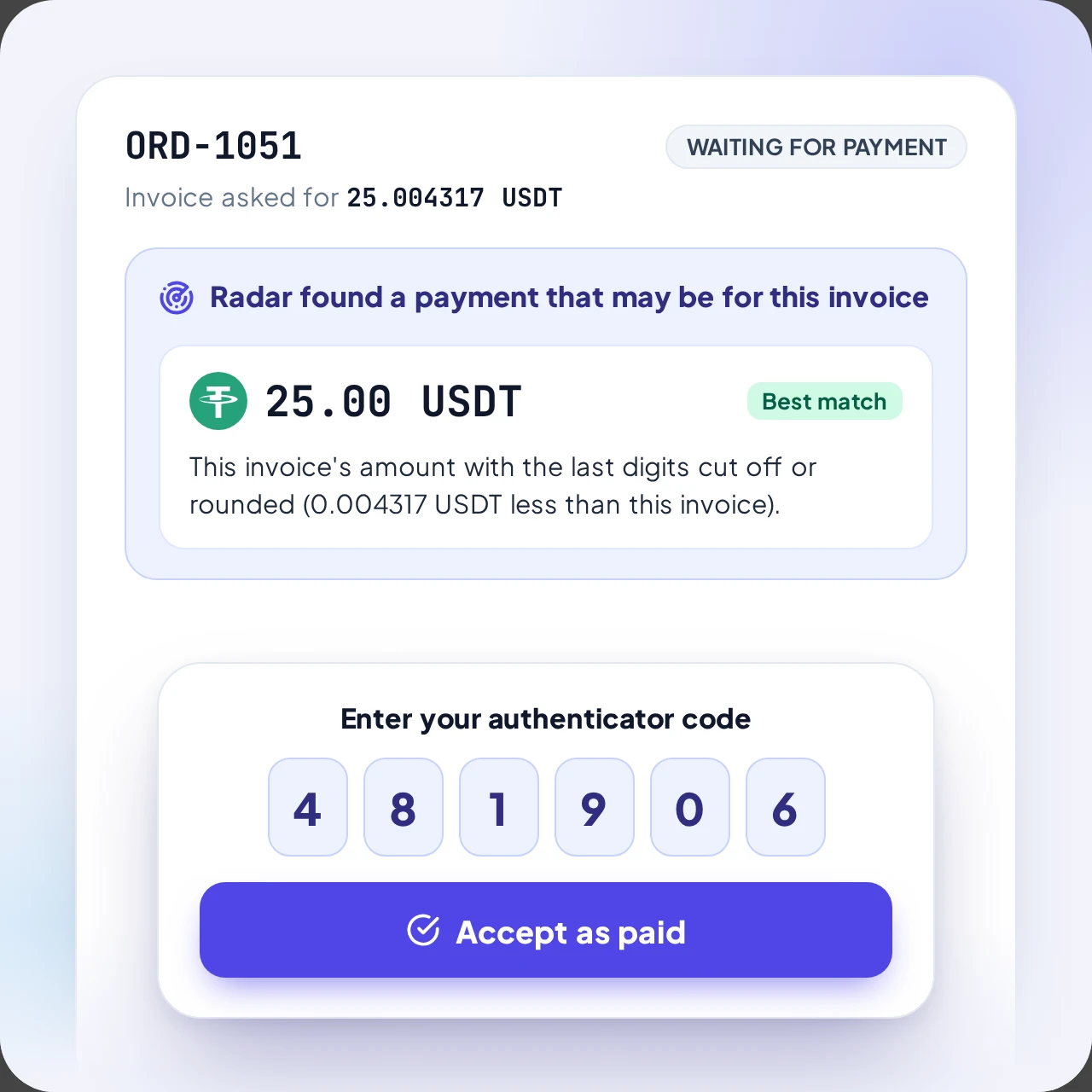
Otherwise you see "Radar found a payment" on the invoice, and you accept it or say it is not for this invoice.
Invoices paid this way are tagged "Paid with Radar", with "automatic" when no click was needed, so you can always see how they were paid.
You stay in control
See the payment and the reason, then decide
- Shows the amount found and the reason
- You accept it with your authenticator code
- Your shop is told only after you accept
- The invoice is tagged "Paid with Radar"
What Radar looks for
An exchange took its fee
The payment is less by a round amount and the unique last digits of the invoice are still there. For example 25.004317 became 24.004317.
Digits were cut off
The customer rounded the amount, for example 25.004317 became 25.00.
The amount is close
The payment is within 5% of the invoice, with no clear pattern.
The customer sent a transaction ID
If a customer says they paid and gives the ID, it is checked on the network right away and they get a true answer.
The rules
What is automatic, and why the rest is your decision
Confirmed automatically
An exact payment is always confirmed automatically. A payment within your tolerance (1% by default) is confirmed automatically too, but only when it arrived while the invoice was open and no other unpaid invoice has a similar amount. You set the percentage in the store's settings, and 0 switches it off.
Everything else waits for you
Your wallet's address is public, and your own money arrives at the same address. A transaction ID proves nothing, because anyone can copy one from a block explorer. So when two invoices could fit, the payment is late, or the difference is bigger, Radar shows it and you decide.
Late payments
An exact payment that arrives up to 30 minutes after the invoice expired is marked paid and late. After that the invoice is closed, so old invoices are not left waiting for money that could be mistaken for them. A customer who pays later can report the transaction ID, and you decide.