Online stores
Accept crypto in your online store
Add a crypto option to your checkout. Customers pay in one of 16 coins and tokens, and the money goes straight to your own wallet.
The problem
What gets in the way today
Card fees on every sale
Card payments usually cost a percentage plus a fixed fee on every order, and some providers add monthly costs.
Chargebacks
A customer can dispute a card payment weeks later, and the money is taken back from you.
Buyers you cannot reach
Some buyers abroad have no card that works with your shop, or their bank blocks foreign payments.
Wrong amounts
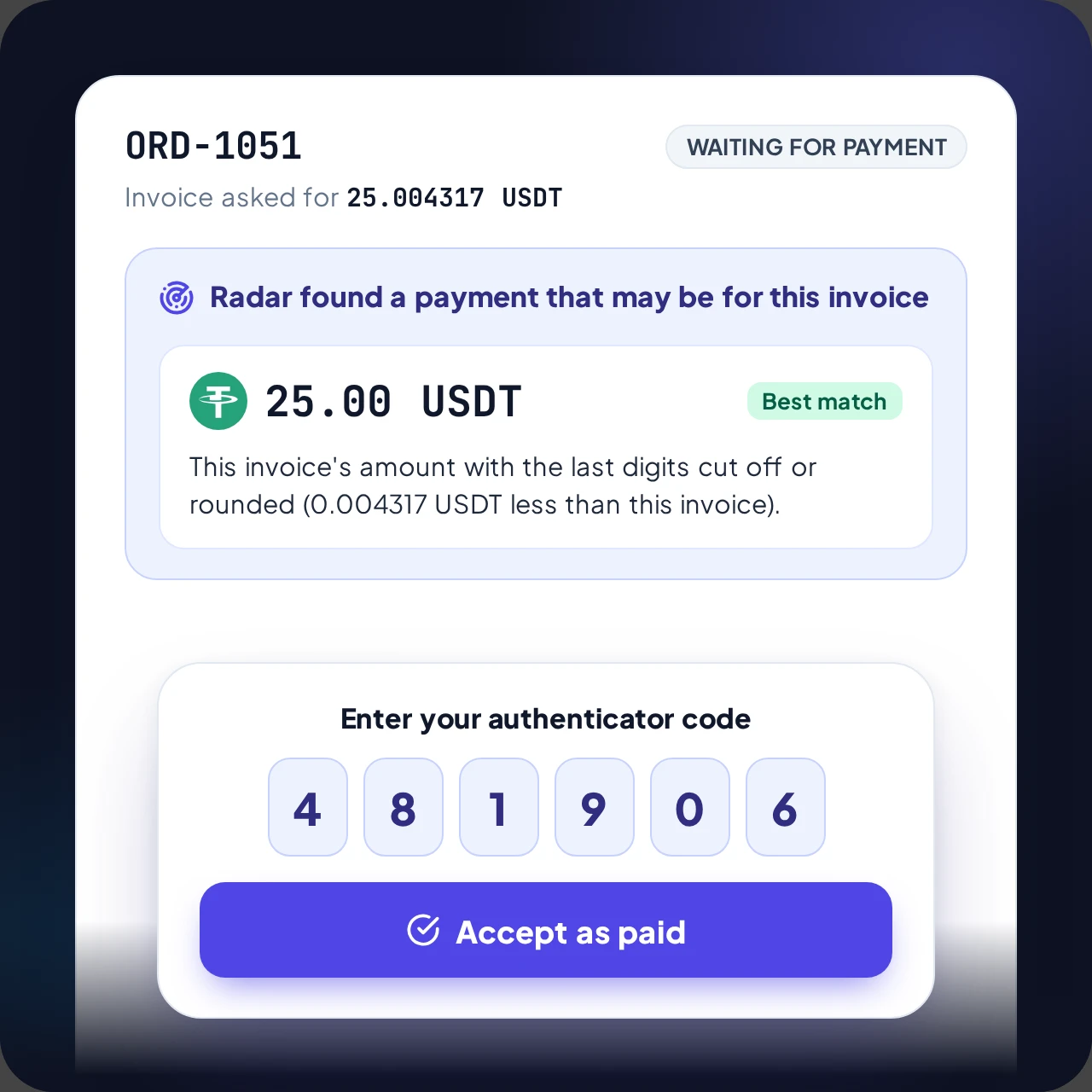
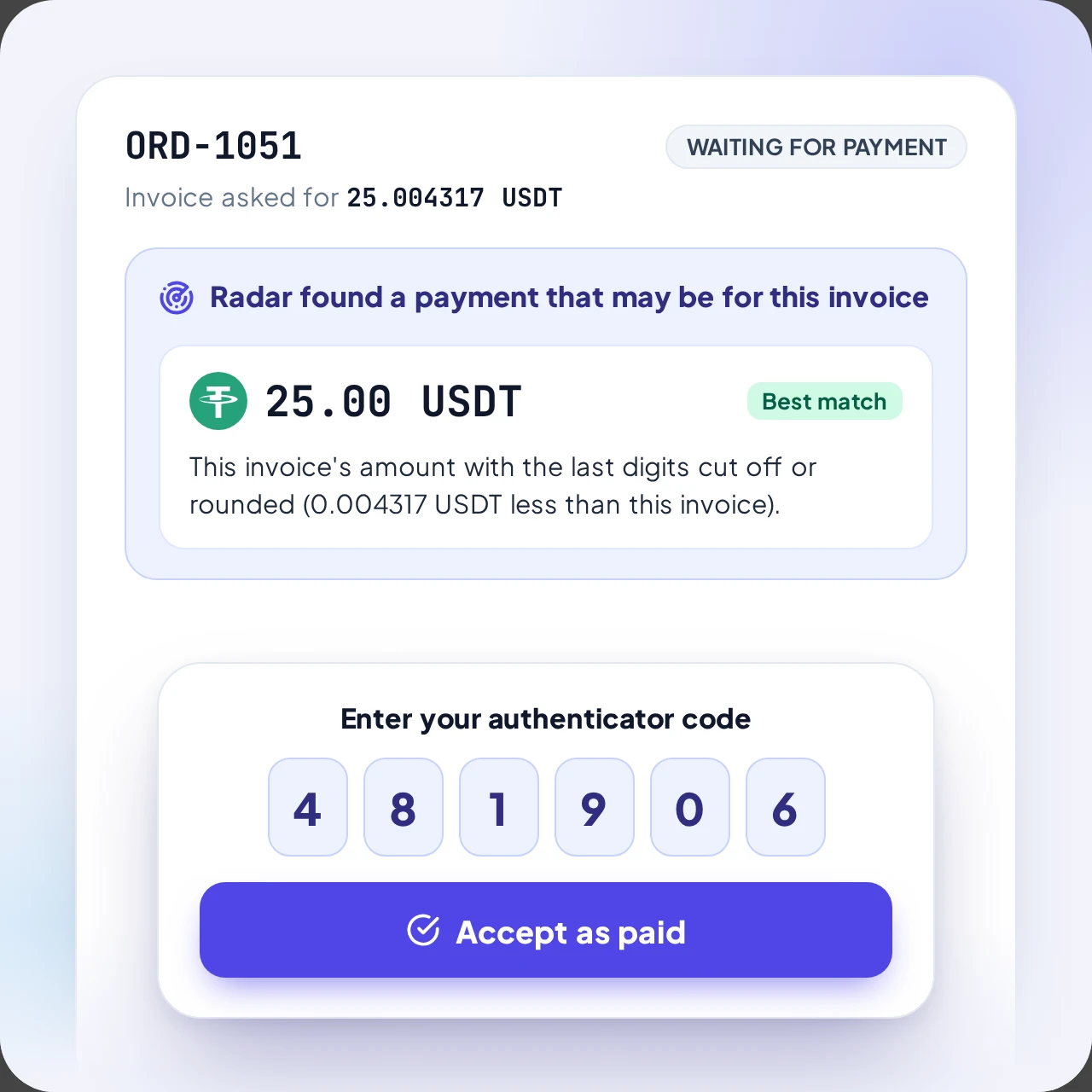
A customer sent a little less? The order still goes through
- The exact amount is always confirmed automatically
- Small differences within the percentage you choose
- Anything else waits for your decision
- Your store is told only when the invoice is paid
Step by step
How it works
Step 1
Crypto at checkout
The customer chooses crypto at your checkout.
Step 2
An invoice is created
Your store creates an invoice and sends the customer to the ArionPay checkout page.
Step 3
The customer pays
The customer picks a coin and pays the exact amount shown, straight to your wallet.
Step 4
The order is paid
After the network confirms it, your store is told the order is paid.
Features
Why it fits
Customers anywhere can pay
A customer with a crypto wallet or an exchange account can pay you from any country, with no card or bank needed.
No chargebacks
A confirmed blockchain payment cannot be reversed by the payer. If you want to refund someone, you send the coins back yourself.
Orders update by themselves
When a payment is confirmed, your store is told automatically and the order can be released.
Integrations
Connect it your way
16 coins and tokens on 9 networks
All coins- BTCBitcoin
- ETHEthereum
- USDTEthereum
- USDCEthereum
- BNBBNB Smart Chain
- USDTBNB Smart Chain
- USDCBNB Smart Chain
- POLPolygon
- USDTPolygon
- USDCPolygon
- TRXTRON
- USDTTRON
- LTCLitecoin
- DOGEDogecoin
- BCHBitcoin Cash
- DASHDash
Questions from store owners
Short answers before you start.