Create & share crypto payment links
Sell products, services and memberships, or take donations, without building a website. Create a link in your dashboard, share it in a chat, an email or a post, and your customers pay straight to your own wallet.
Share and get paid
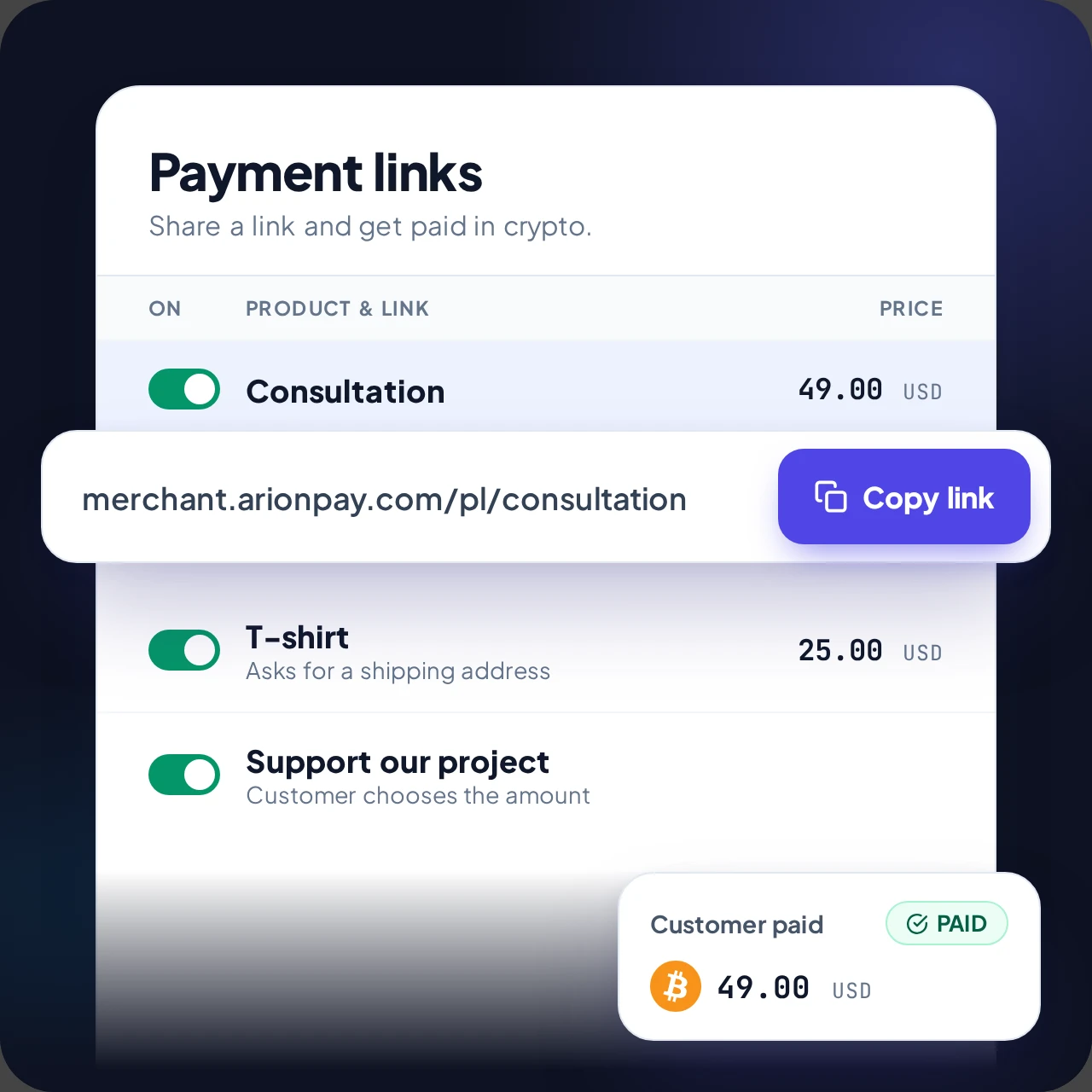
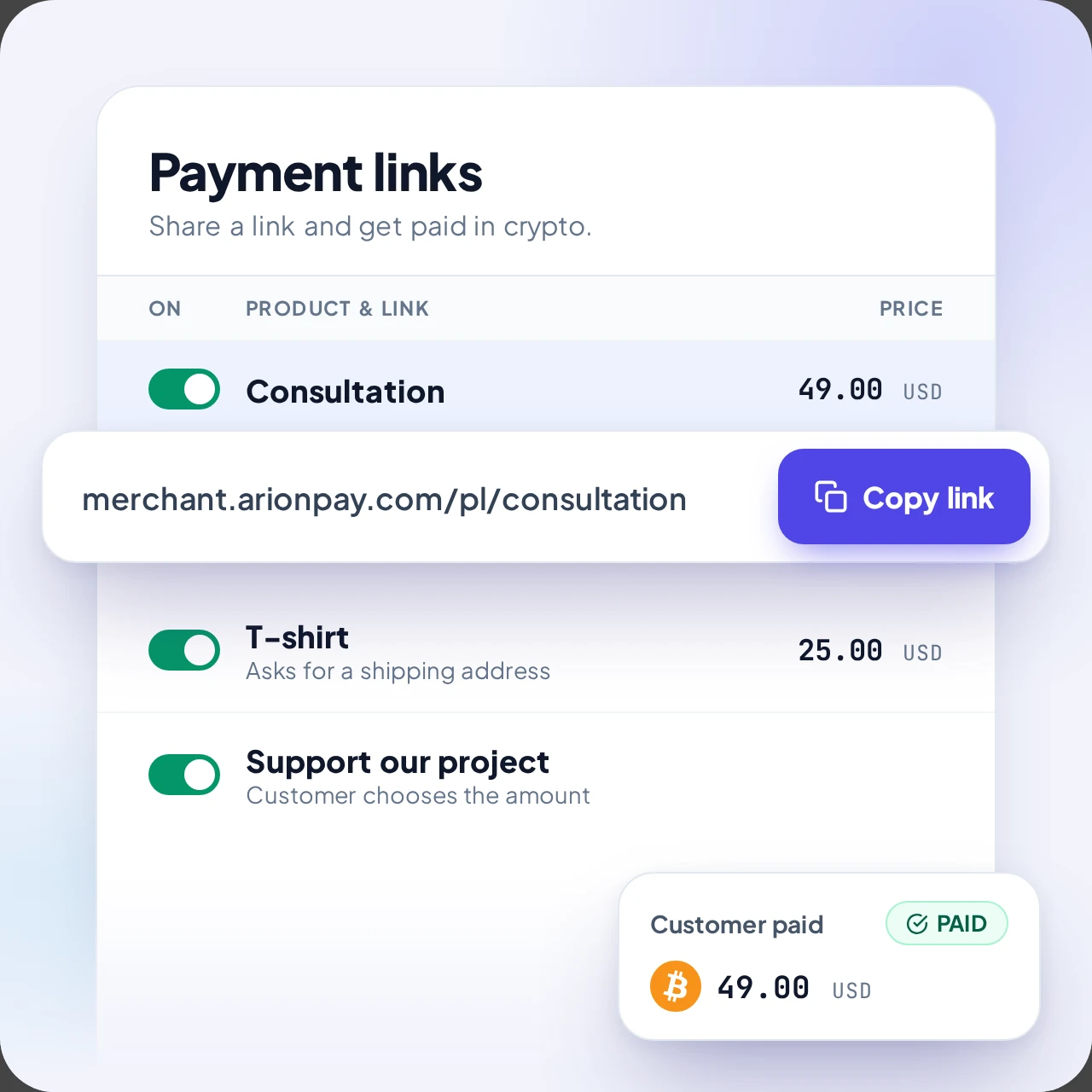
One link for a product, a service or a donation
- Fixed price, or the customer chooses the amount
- Ask for a phone number or a shipping address
- Choose your own link address
- Turn a link on or off at any time
Try the Payment Link Builder
Change the title, price and type to see roughly what your customer will see. This is a preview only; real links are created in your dashboard.
Set Up a Payment Link
Paid to your walletLogo design package
How crypto payment links work
No developer and no website needed.
Step 1
Create the link
Add a title, a description and a price, or let the customer choose the amount. Pick the coins you accept, and ask for a phone number or a shipping address if you need one.
Step 2
Share it anywhere
Send the link or its QR code by Telegram, WhatsApp or email, or put it in your bio or on your website. Pick your own link name, like /pl/logo-design, and turn a link off at any time.
Step 3
Paid to your wallet
The customer pays straight to your own wallet. Once the network confirms it, the sale shows in your dashboard, where each link has its own views, sales and revenue.
On your website too
Turn any link into a payment button
Click Get button next to a link in your dashboard. Choose a button in your own colours, an image button for emails and forum posts, a text link, or a QR code to print. Copy the code, paste it into your site, and every click opens the payment page.
- Plain HTML: no plugin, no script, works in WordPress, Wix, Squarespace and Shopify
- Your text, colour, shape, size and coin logos
- QR code as PNG or SVG for flyers, invoices and your counter



Scan to try a test checkout on your phone
What People Use Payment Links For
A link works anywhere you can paste text, so it suits sellers who don't have, or don't want, a full online store.
Freelancers & Agencies
Bill clients in other countries in USDT or Bitcoin instead of waiting for an international bank transfer.
Telegram & WhatsApp Sellers
Sell products, digital goods or memberships in a chat by sending a link the customer can open on their phone.
Consulting & Coaching
Collect fees for sessions or retainers. A confirmed crypto payment can't be charged back like a card payment.
Digital Creators & Artists
Sell presets, templates, music or e-books without setting up a full online store.
Donations & Tips
Let supporters choose how much to give with a pay-what-you-want link.
Selling Across Borders
Take payments from customers who would rather pay in USDT or another coin than with a card.
How ArionPay Payment Links Compare
A general comparison with card payment links and custodial crypto gateways. Details vary by provider.
| Feature | ArionPay links | Card payment links | Custodial crypto gateways |
|---|---|---|---|
| Where the money goes | Straight to your own wallet | Processor balance, then your bank | Gateway's wallet, then you withdraw |
| When you have the money | When the network confirms it | On the processor's payout schedule | When your withdrawal is sent |
| Who holds your funds | You (we never have your keys) | The processor, until payout | The gateway, until withdrawal |
| Chargebacks | None once confirmed | Possible | None once confirmed |
| Fee | 0.5% per payment, no monthly fee | Usually a percentage plus a fixed fee | Varies, sometimes plus a payout fee |
| What customers pay with | 16 coins and tokens on 9 networks | Cards and bank methods | Crypto |
Questions about payment links
Common questions about creating and sharing payment links.
Start sharing payment links
Create your first link in a few minutes. Customers pay straight to your wallet. You pay 0.5% per payment and start with $2 of fee credit.